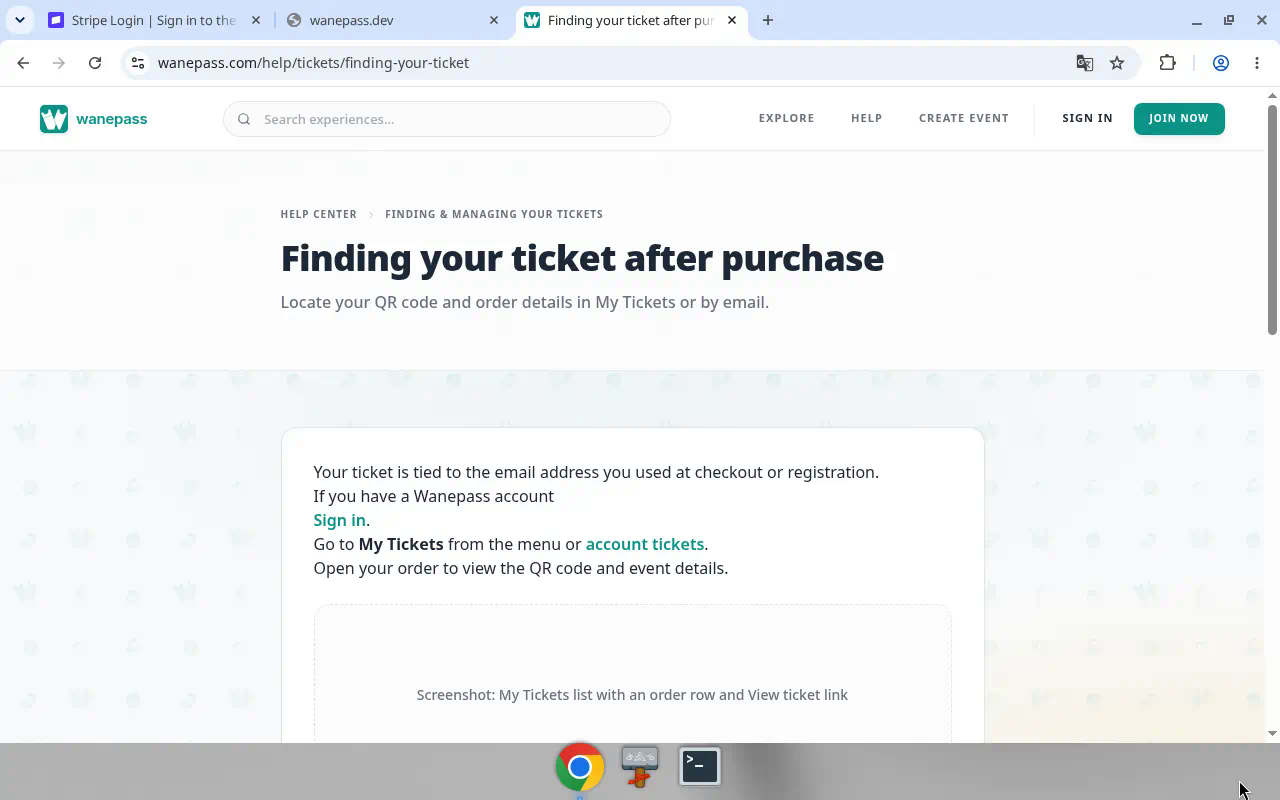
Your ticket is tied to the email address you used when you registered.
If you have a Wanepass account
- Sign in.
- Open My Tickets (bottom bar on a phone) or go to account tickets.
- Tap View ticket. Each ticket shows as a pass with the event, your name, the ticket type, and a large QR code. With several tickets, swipe between them on a phone.
From the ticket you can Add to calendar, Share the event, get Directions to the venue, Transfer a ticket, or Get more tickets.
If you registered as a guest
- Open the confirmation email and tap the ticket link. Your tickets open on screen, no account needed.
- Lost the email? Use Find my tickets (also in the site footer): enter your email and we send a fresh link.
To keep every ticket in one place, create an account with the same email. See Finding tickets as a guest.
On event day
Open the ticket and tap the QR code to show it full screen. Turn your screen brightness up so it scans quickly.
For online events, tap Open pass or Join via Wanepass on the ticket or in the confirmation email. Details: Zoom for online events and Google Meet for online events.
If you transferred the ticket and it was accepted, your copy shows as Transferred and the live pass is in the recipient's My Tickets. See Transferring a ticket.